安装 AdsPower
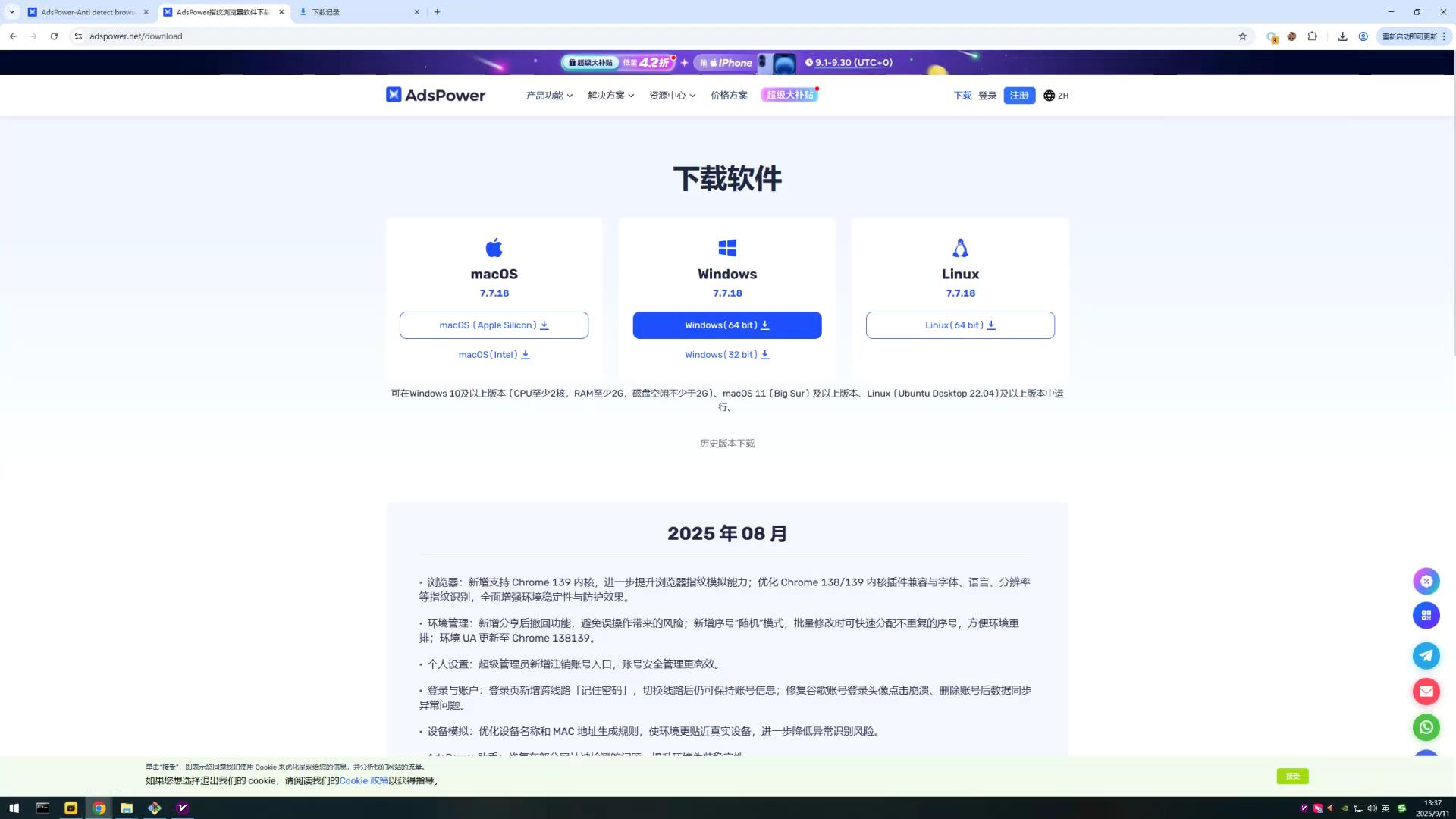
官网下载: 下载链接
请根据自己的操作系统选择对应的版本
Cookie 的格式
在使用 Cookie 之前先说一下 Cookie 两种格式:
- JSON 格式
[{
	"name": "c_user",
	"value": "61577773708449",
	"expires": "Wed, 24 Jun 2026 04:36:51 GMT",
	"expires_timestamp": 1782275811,
	"domain": ".facebook.com",
	"path": "/",
	"secure": true,
	"httponly": null,
	"samesite": "None"
}, {
	"name": "xs",
	"value": "xxx",
	"expires": "Wed, 24 Jun 2026 04:36:51 GMT",
	"expires_timestamp": 1782275811,
	"domain": ".facebook.com",
	"path": "/",
	"secure": true,
	"httponly": true,
	"samesite": "None"
}]
- URL 格式
c_user=61577773708449; xs=xxx
以上两种格式,AdsPower 都支持。
创建窗口
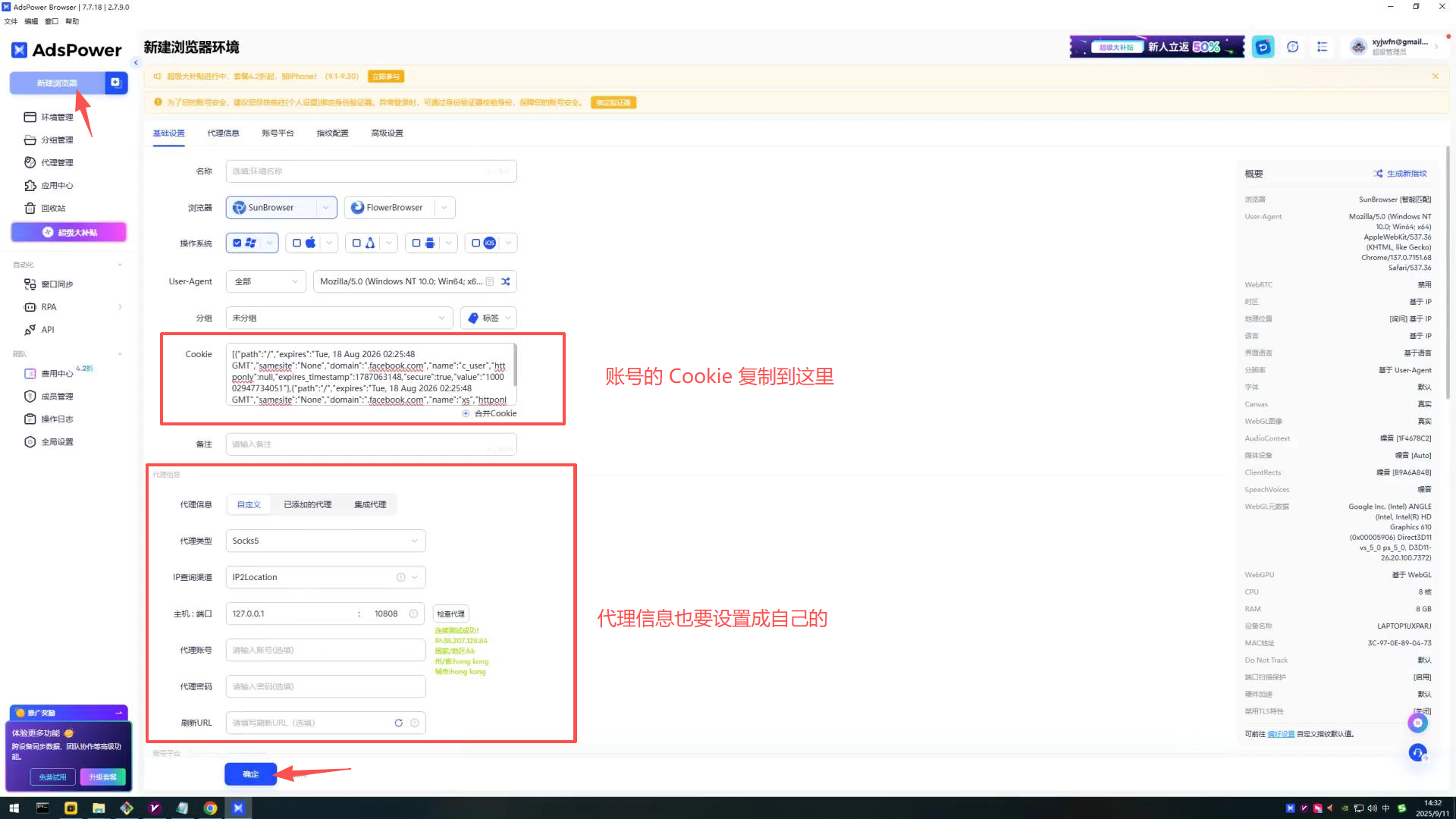
- 打开 AdsPower 后点击左上角的新建浏览器
- 然后将账号的 Cookie 粘贴到 Cookie 输入框中
- 设置好信息后,点击 保存 按钮
启动窗口
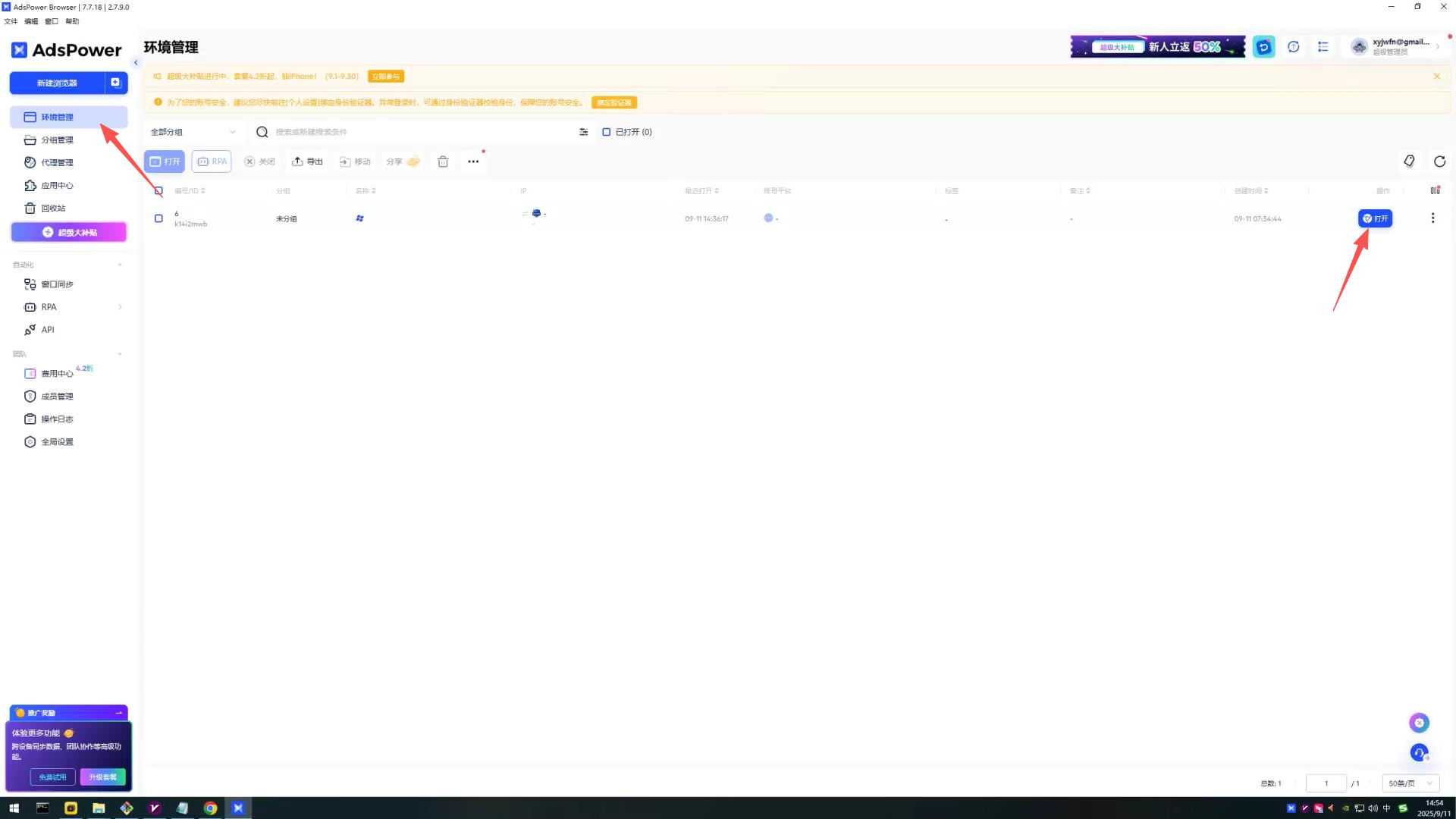
- 点击环境管理
- 找到新创建好的窗口,点击打开
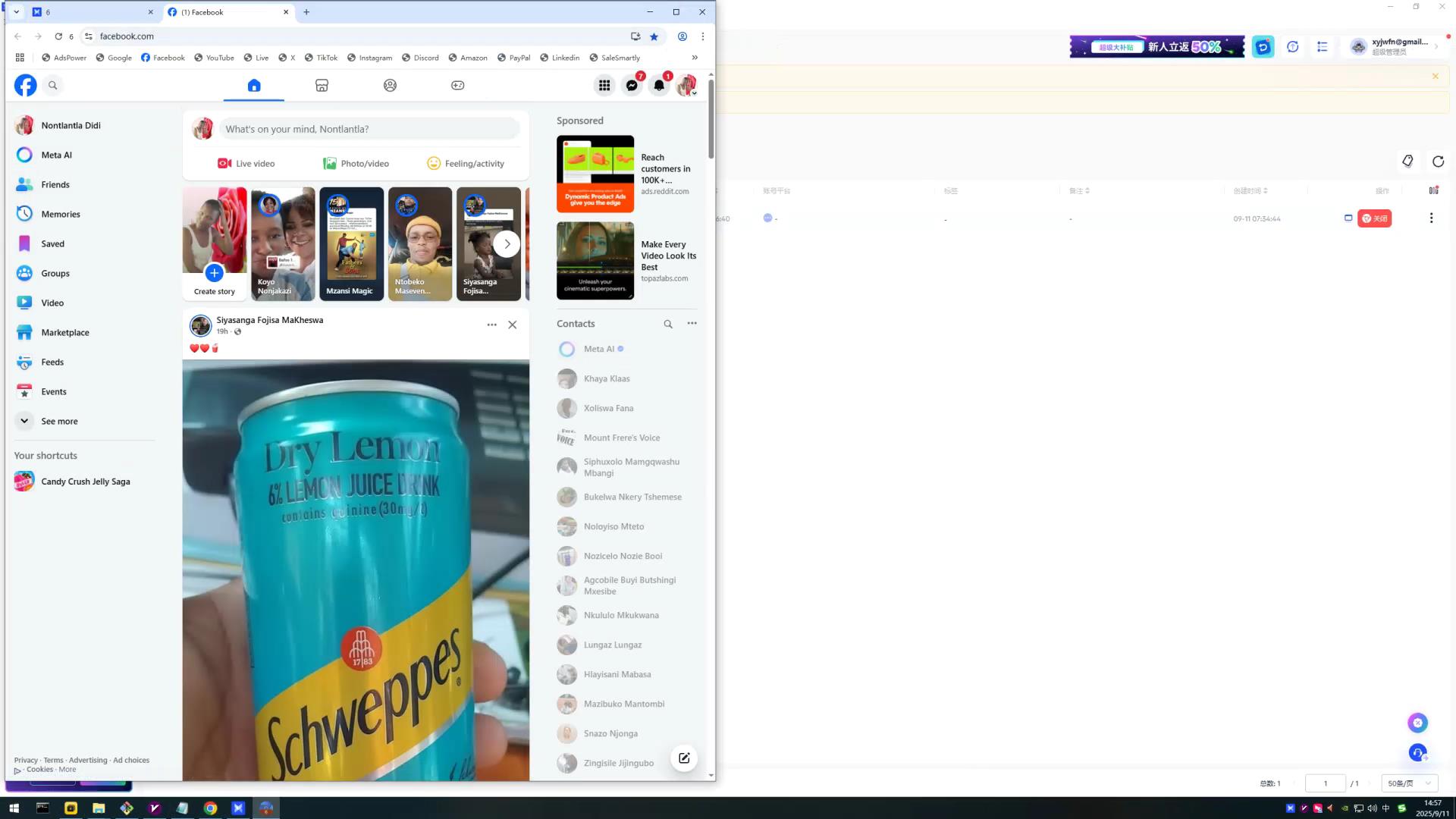
- 等待窗口启动完成就可以使用 Facebook 了